

The Heat Wave Bottleneck: Why Manual Review Asks Fail in Summer
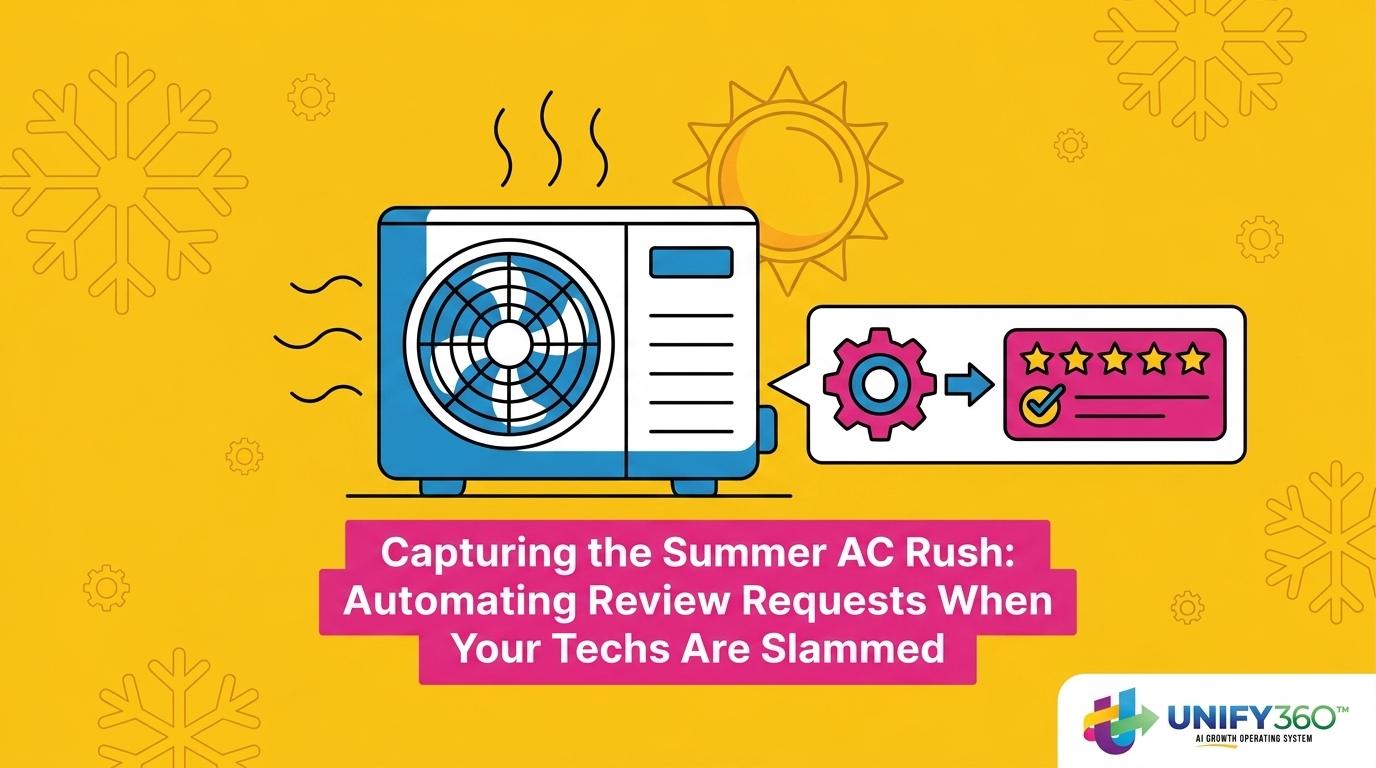
Summer is just around the corner, and dispatch boards are already starting to blink with back-to-back emergency calls. As temperatures climb, capturing the summer AC rush: automating review requests when your techs are slammed becomes an operational necessity, not just a marketing goal. The paradox of the busy season is frustratingly simple: you serve the highest volume of customers, yet you often collect the lowest volume of reviews. Why? Because the manual processes that work in the mild shoulder seasons completely break down under pressure.
With the peak summer AC rush approaching, your schedule fills up and emergency repair volumes surge. Your HVAC technicians are pushed to their absolute capacity limits. When a dispatcher is trying to squeeze in just one more no-cool call before the end of the day, manual tasks like handing out a physical review card or remembering to ask for a five-star rating are the very first things to be forgotten. Relying on a technician’s memory for reputation management creates a massive operational bottleneck during the most critical time of the year.
Transitioning to automated review request services eliminates this friction entirely. By taking the responsibility out of the field and moving it into the background, you ensure consistent feedback without ever slowing down your dispatch flow.
| Operational Focus | Manual Review Requests | Automated Review Requests |
|---|---|---|
| Technician Effort | High (Requires memory and customer conversation) | Zero (Triggered automatically by job status) |
| Consistency | Low (Drops significantly during high call volume) | Perfect (Every completed job triggers a request) |
| Dispatch Impact | High (Delays the tech from routing to the next call) | Zero (Operates entirely in the background) |
| Timing | Variable (Often asked before the house actually cools down) | Optimized (Sent right as the customer feels relief) |
The Physical Toll of Extreme Heat on Field Technicians
To understand why manual review asks fail, you have to look at the environment your team operates in. Technicians are hired to diagnose electrical faults, measure refrigerant subcooling, and repair complex mechanical systems. They are not hired to act as field marketers. During the peak summer AC rush, the physical and cognitive load placed on your field team is staggering.
Consider the specific physical toll of peak summer heat waves. Technicians spend hours in unventilated attics where temperatures can easily exceed 130°F, or they are crouched over outdoor condenser units baking in direct, radiating sunlight. The heat exhaustion is real, and it severely diminishes a person’s capacity for administrative tasks.
Cognitive Load vs. Operational Demands
When a technician finally buttons up a grueling, two-hour compressor replacement in the blistering heat, their immediate priorities shift to basic human needs and operational demands. They need to hydrate, cool down in the van, and review the notes for the next emergency call waiting on the board. Handing the homeowner a tablet or reciting a scripted plea for a Google review simply does not compute in that moment of exhaustion.
Missed review asks are almost always a symptom of this exhaustion, not a lack of care or loyalty to your company. Protecting your technicians’ bandwidth is vital for preventing burnout and reducing turnover during the high-stress season. By removing the manual ask, you allow your team to focus entirely on safety, diagnostics, and getting to the next sweltering customer as quickly as possible.
Treating the “Missed Ask” as an Operational Failure, Not a Training Issue
The Problem: Many HVAC business owners mistakenly believe that technicians just need better scripts, more morning meeting reminders, or stronger incentives to ask for reviews. When the review count drops in July, the immediate reaction is often to blame the field team for not following protocol.
The Cause: This mindset treats a systemic failure as a personnel issue. According to HVAC dispatch and reputation management best practices, if a process fails consistently during periods of high volume, it is a system failure, not a training deficit. Human memory is fragile under stress. If your reputation management strategy relies on a tired technician remembering to do a non-essential task while their phone is buzzing with their next dispatch, the strategy itself is flawed.
The Solution: Removing the manual “ask” entirely is the most effective way to guarantee consistency. Operational efficiency requires tools that work in the background without human intervention. By shifting the burden from the technician to your software stack, you treat the missed ask exactly how you would treat a recurring mechanical failure: you replace the broken component with a reliable, automated system.
- Signs your review process is a broken system:
- Review volume drops off sharply as soon as the temperature spikes.
- Only your newest technicians (who have fewer calls) are consistently getting reviews.
- Customers leave positive feedback verbally but never follow through online.
- Your dispatchers have to manually text customers at the end of the week to ask for feedback.
How Trigger-Based Automation Protects Your Dispatch Flow
Fixing this bottleneck requires a clear operational breakdown of how automated review requests function immediately after a job is completed. The goal is seamless automation that removes the burden from slammed technicians and protects your dispatch flow, which is a core differentiator of a well-integrated reputation management system. Automation links directly to your field service management software to trigger actions based purely on job status.
- Step 1: The Job is Completed in the Field. The technician finishes the emergency AC repair, packs up their tools, and simply marks the job as ‘Complete’ or ‘Invoiced’ in their mobile dispatch app. They do not need to open a separate marketing app or click a special button.
- Step 2: The System Detects the Status Change. Through API integration, your reputation management software sees that the ticket is closed. It immediately initiates a review request sequence without any additional input from the technician or the office staff.
- Step 3: The Request is Delivered. The customer receives a polite, branded request for feedback via their preferred communication channel.
- Step 4: The Customer Leaves a Review. The homeowner clicks a direct link to your Google Business Profile and leaves a five-star rating, all while the technician is already halfway to their next call.
The Value of Zero-Friction Integration
This automated workflow aligns perfectly with HVAC dispatch and reputation management best practices. Because the trigger is tied to a status change the technician already has to make (closing the ticket to get paid), there is zero added friction. The dispatcher’s workflow remains uninterrupted, the technician’s cognitive load is reduced, and the business captures the review automatically.

Reaching Customers When They Are Most Grateful
The majority of consumers are highly willing to leave a review if a business simply asks them at the right moment. Timing and channel selection are everything when it comes to conversion rates. The highest conversion rates occur immediately after a successful repair, when the customer is experiencing the immediate, physical relief of a working air conditioner.
During the peak summer AC rush, a broken air conditioner is a minor crisis. When your technician restores comfort to a sweltering house, the customer’s gratitude peaks. If you wait three days to send an email newsletter asking for a review, that gratitude has faded. The crisis is over, and the customer has moved on with their life. Automating this specific touchpoint ensures you never miss the narrow window of peak customer gratitude.
Why Channel Selection Matters for Conversion
How you ask is just as important as when you ask. Delivering the request directly to a customer’s smartphone yields significantly better results than traditional methods. This is exactly why we recommend SMS over email for review requests.
Consider the visibility of instant mobile notifications versus crowded email inboxes. An email might sit unread for hours or get filtered into a promotions folder. A text message buzzes in the customer’s pocket while they are still enjoying the cool air blowing from their vents. By reducing the friction for the customer—giving them a clickable link right on their phone—you dramatically increase the likelihood that they will follow through and leave a public review.
Frequently Asked Questions About HVAC Reputation Management
Why are my HVAC technicians not asking for reviews?
Technicians typically skip manual review asks due to physical exhaustion and cognitive overload, especially during peak seasons. When they are focused on diagnosing complex mechanical issues in extreme heat and rushing to the next emergency call, administrative marketing tasks naturally fall to the bottom of their priority list. It is an operational bottleneck, not a lack of effort.
How do I automate review requests for my HVAC business?
You can automate requests by integrating reputation management software directly with your existing field service management platform (like ServiceTitan, Housecall Pro, or Jobber). Once integrated, the software uses status triggers—such as a technician marking a job as “Complete”—to automatically send a review request via text or email without any manual input from your team.
What is the best time to ask a customer for a review?
The optimal time to ask for a review is immediately after the service is completed and the customer is experiencing the direct benefit of the repair. According to HVAC dispatch and reputation management best practices, sending an automated text message within 15 to 30 minutes of the technician leaving the driveway captures the customer while their gratitude is at its highest.
How do I get more reviews for my HVAC business during peak season?
The most reliable way to increase review volume during your busiest months is to remove human memory from the process entirely. Implement a trigger-based automation system that sends SMS review requests for every completed job. This ensures that even when your dispatch board is overflowing, your reputation management continues working in the background.
Will automated review requests annoy my customers?
No, automated requests are generally well-received as long as they are polite, timely, and limited in frequency. A single, well-crafted text message sent right after a successful repair feels like a natural follow-up to the service experience. The key is to make the process frictionless so it takes the customer less than a minute to complete.
Does review automation require replacing my current dispatch software?
In most cases, you do not need to replace your current dispatch software. Modern reputation management tools are designed to integrate seamlessly via APIs with the most popular HVAC field service platforms. They work alongside your existing systems, pulling the necessary job status data to trigger the requests automatically.
Securing Your Reputation Before the Next Heat Wave Hits
A clear operational breakdown reveals that automating the review request process is the only way to protect technician bandwidth while successfully scaling your reputation growth. When the peak summer AC rush hits, your team needs to be focused entirely on restoring comfort to your customers, not acting as part-time marketers. Systems that rely on human memory will always fail under high stress.
Don’t wait until your dispatch board is overwhelmed and your team is exhausted to fix a broken manual process. Implement a solution that works silently in the background so your techs can focus on what they do best: fixing HVAC systems. If you are ready to streamline your operations and capture the feedback you deserve this season, contact our team to set up your automated workflow today.